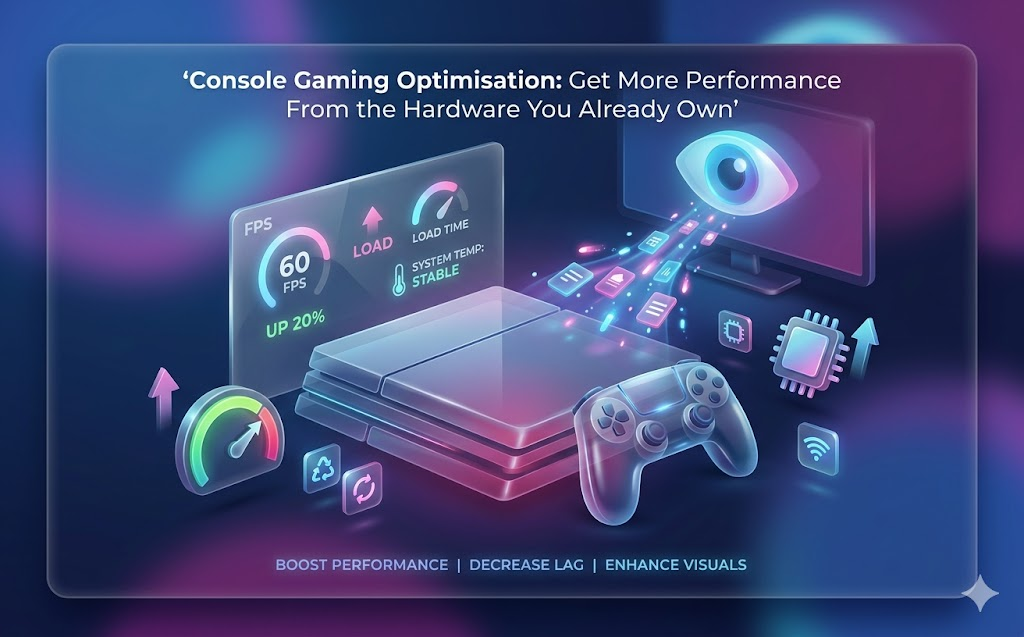
Console Gaming Optimisation: Get More Performance From the Hardware You Already Own
The Case for Optimising Before Upgrading
Upgrade culture in gaming assumes that better performance always requires newer, more expensive hardware. This assumption is frequently wrong. Most gaming consoles, even those several years old, are capable of significantly better performance than their default out-of-box configuration delivers. The gap between factory defaults and a properly optimised setup can be substantial.
Optimisation is also a form of hardware literacy that serves you regardless of what you own. Understanding why certain settings affect performance, how storage configuration impacts load times, and what network conditions determine online gaming quality gives you knowledge that transfers across every device you will ever own.
The financial case is straightforward. An hour of optimisation work that meaningfully improves your current console’s performance is more efficient than spending hundreds on new hardware to achieve similar results. Most players never exhaust what their existing hardware can deliver when properly configured.
Players who want a technically detailed approach to squeezing more from their current hardware will find console gaming optimisation and cross-platform performance tips particularly useful, as it covers hardware behaviour and software interaction in genuine depth.
Storage Optimisation for Faster Load Times
Storage fragmentation, excessive cache files, and disorganised game installations all contribute to slower load times than your hardware is capable of delivering. Most consoles provide built-in storage management tools that are underused by the majority of players.
Deleting games you no longer play frees storage space that benefits the games you do play. Operating systems and gaming platforms use available storage as working space, and systems running near capacity consistently perform worse than those with headroom. The widely cited rule of maintaining at least fifteen percent free storage space has technical grounding.
External storage solutions have matured significantly. High-speed external SSDs now offer console-compatible performance that, in some cases, matches internal storage. The right external drive can meaningfully reduce load times for games installed on it while preserving internal storage for the titles that benefit most from internal speed.
Game installation organisation also matters. Some platforms allow prioritising frequently played games for faster access. Taking five minutes to review and reorganise your game library periodically maintains the performance benefits of initial setup over time.
Network Configuration for Competitive Online Play
Wired Ethernet connections deliver superior online gaming performance in virtually every measurable dimension compared to wireless. Lower latency, more consistent speeds, and absence of interference make a wired connection the single most impactful network upgrade available to most players. If you are playing competitive online games over WiFi and have the option to run a cable, run the cable.
Router placement affects wireless performance dramatically for those who cannot use wired connections. Obstacles between your router and console absorb signal strength and introduce interference. Moving the router or the console to reduce obstacles between them often produces significant improvement without any hardware investment.
Quality of service settings on most modern routers allow you to prioritise gaming traffic over other household internet use. Enabling QoS and assigning your console the highest priority prevents bandwidth-intensive household activities like video streaming from introducing lag during gaming sessions.
DNS server settings are a low-risk optimisation worth testing. Third-party DNS providers often deliver faster query resolution than default ISP DNS servers, which can reduce connection establishment time in online games. Testing different DNS options costs nothing and occasionally produces noticeable improvements.
Display and Audio Settings That Improve the Gaming Experience
Game mode on modern televisions disables post-processing effects that introduce input lag at the cost of processing time. Enabling game mode on your display is one of the most impactful settings changes available, often reducing input lag by tens of milliseconds. If your television has this setting and it is not enabled, enable it now.
HDR implementation quality varies enormously between games and displays. Poorly calibrated HDR can actually make games look worse than standard dynamic range. Testing HDR mode critically and disabling it for titles where standard mode looks better is a valid and frequently correct choice.
Audio output format matching matters for surround sound users. Sending an audio format your receiver cannot decode properly results in the receiver attempting to interpret an incompatible signal, which produces poor results. Matching the console’s audio output format to your receiver’s confirmed capabilities eliminates this class of audio problem.
For additional system-level improvements that extend beyond console-specific advice, tech hacks that improve gaming speed and system responsiveness cover platform-agnostic techniques that produce measurable performance gains across different hardware.